
Account types
- Supervisor
- Administrator
An account type groups customer accounts, for example Business, Residential or Government. It sets a Discount for that group and the GL Code their revenue posts to.
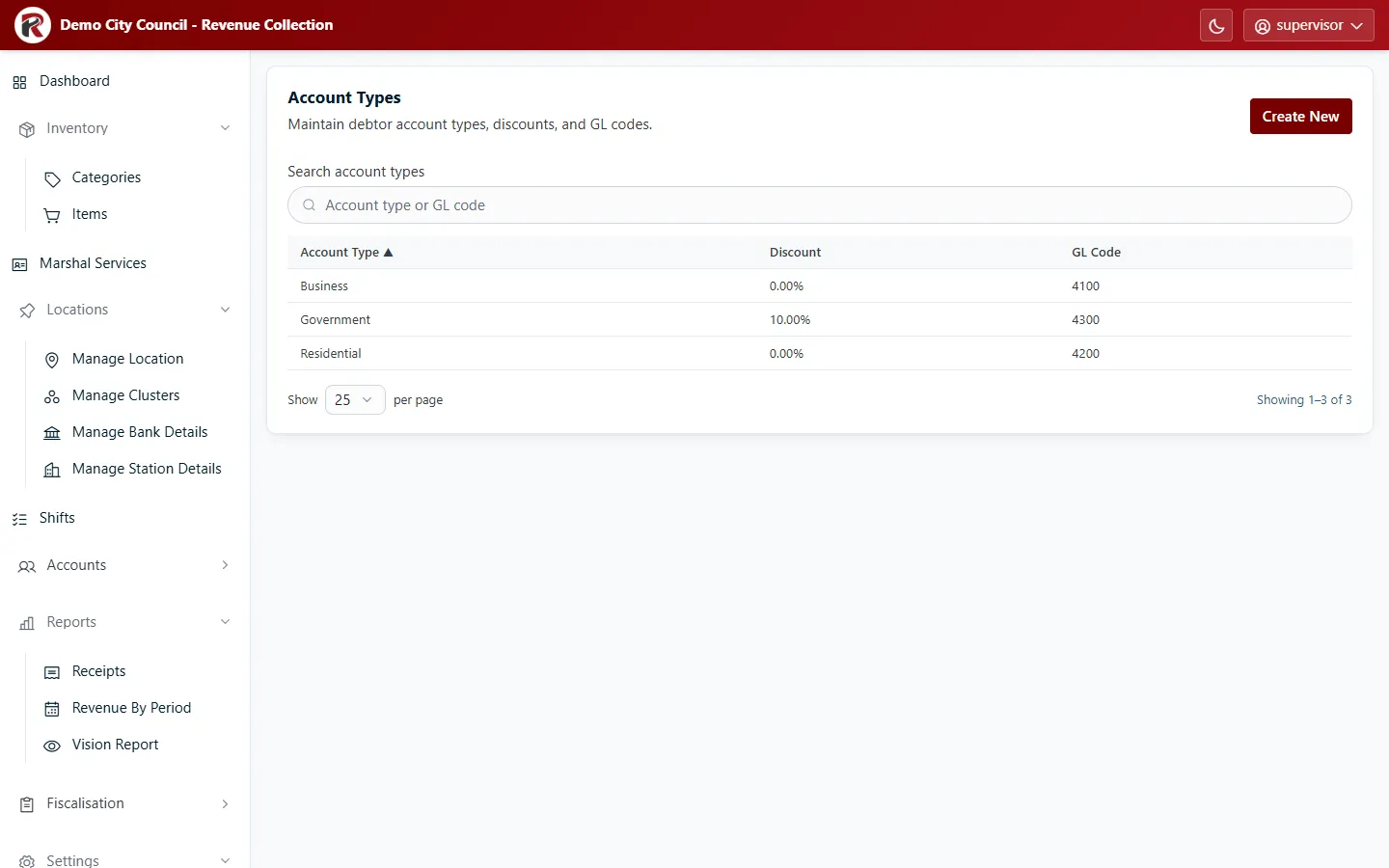
- Create New: enter the Account Type name, its Discount and its GL Code.
- Select a row, then Edit to change it. Delete (under ⋯) removes it after you confirm. Move its accounts to another type first.
RevColl user manual · build 19463 · Axis Solutions · Back to RevColl