
Company details
- Administrator
Company Details holds your council’s registered details. The Company Name appears on the sign-in page and at the top of every screen. The name, address and tax numbers are used on receipts and reports.
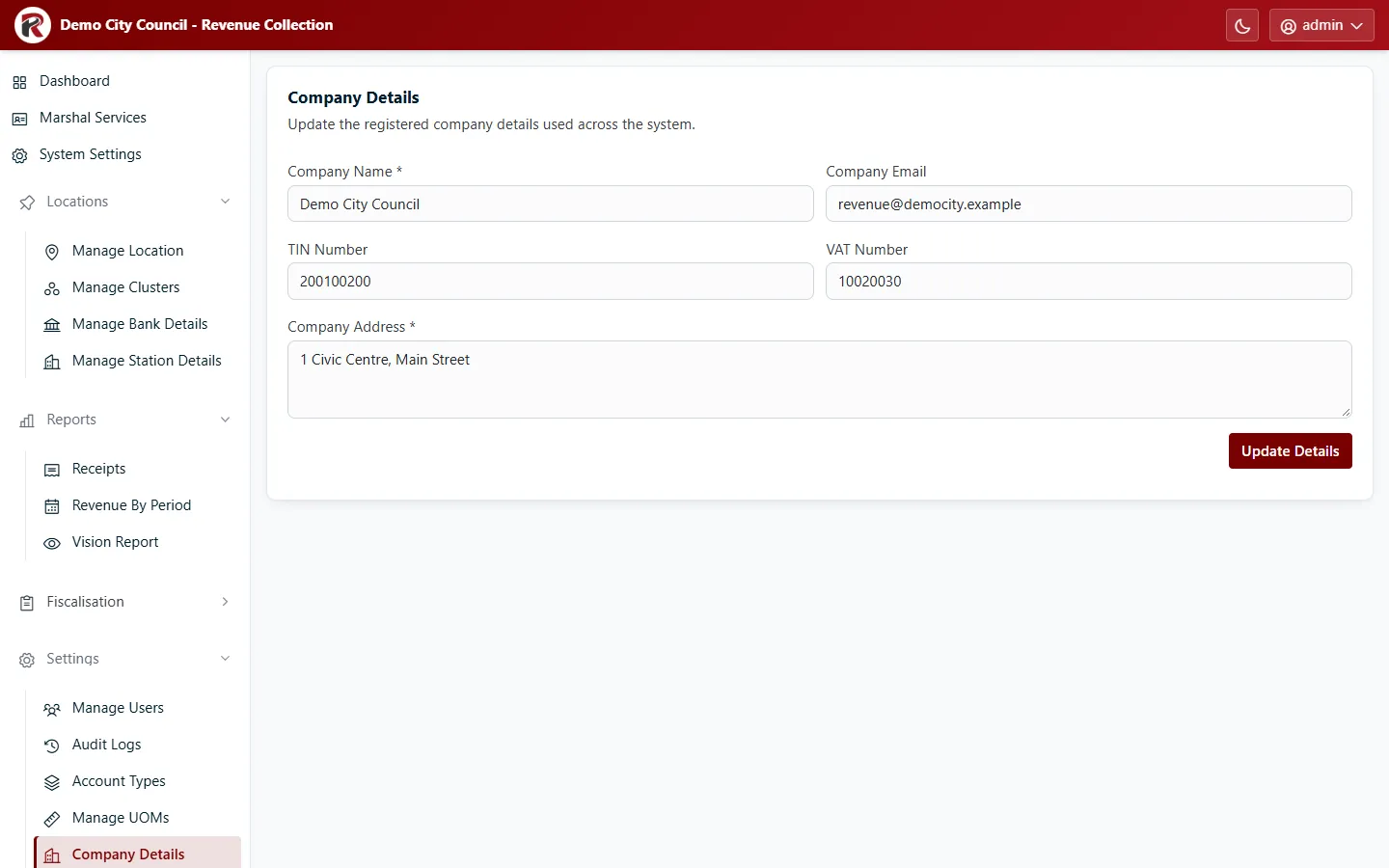
Change the Company Name, Company Email, TIN Number, VAT Number or Company Address, then select Update Details.
RevColl user manual · build 19463 · Axis Solutions · Back to RevColl