
Vision report
- Supervisor
- Administrator
- Auditor
The Vision Report turns a period’s receipts into a CSV file in the layout the Vision accounting system imports. It appears only when your council posts to Vision (an administrator turns it on in System Settings).
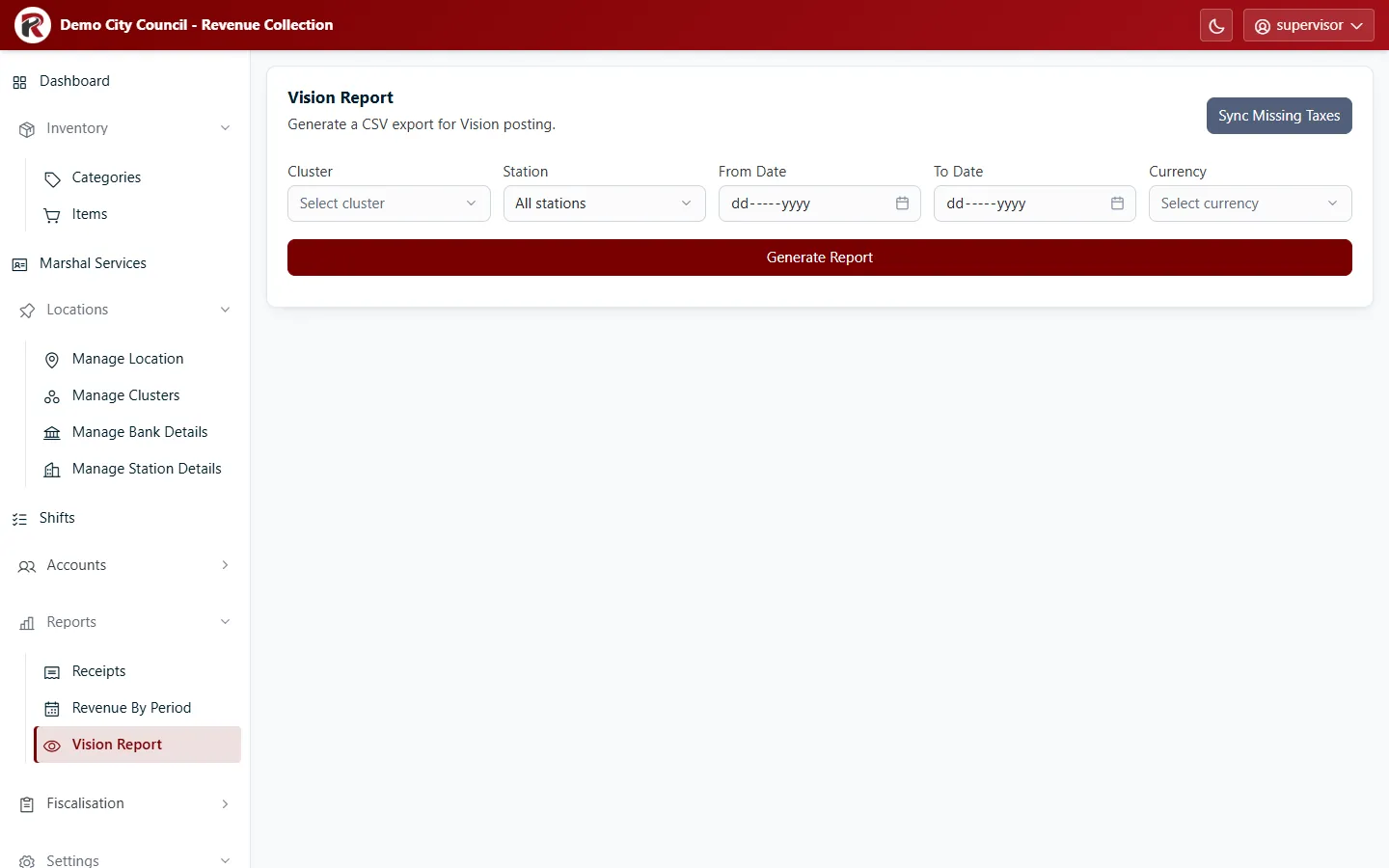
Generate the export
Section titled “Generate the export”- Choose the Cluster, and optionally one Station (or All stations).
- Choose the From Date and To Date.
- Choose the Currency.
- Select Generate Report. Your browser downloads the CSV file.
Each line carries the amounts excluding tax, the tax and the local-currency equivalents, coded by station and product GL code. Import the file into Vision as usual.
Sync Missing Taxes
Section titled “Sync Missing Taxes”Older receipts can be missing their tax lines, which leaves gaps in the export. Sync Missing Taxes fills them in from each product’s tax setup. It needs the Run Retroactive Missing Taxes Routine permission (see Roles and access). Run it before generating an export that covers older periods.
RevColl user manual · build 19463 · Axis Solutions · Back to RevColl