
Audit logs
- Administrator
- Auditor
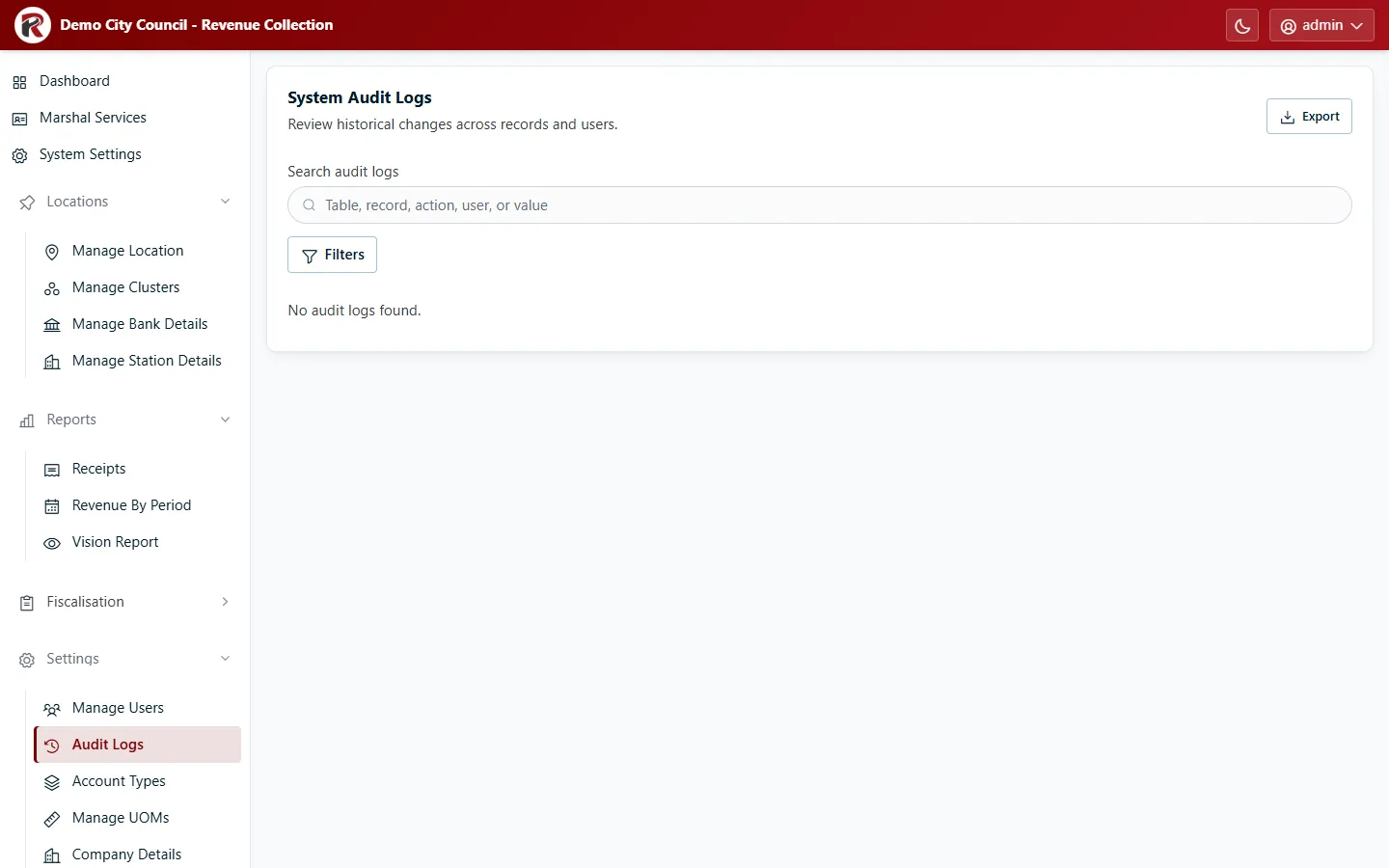
Audit Logs record changes to RevColl’s records: which table and record changed, which column, the old and new values, who made the change and when. Administrators find it under Settings, auditors under Reports.
Find a change
Section titled “Find a change”- Search across the log.
- Filters narrows by From and To date, Action, User and Table. Choose System under User for changes RevColl made itself rather than a person.
- Select an entry to see its old and new values side by side.
Export saves the filtered list as CSV, Excel or PDF, for example to attach to an audit query.
RevColl user manual · build 19463 · Axis Solutions · Back to RevColl