
Tax settings
- Supervisor
- Administrator
Tax settings (screen title Manage Taxes) hold the tax codes that categories and items use. Each code has a Rate (%) and a GL Code.
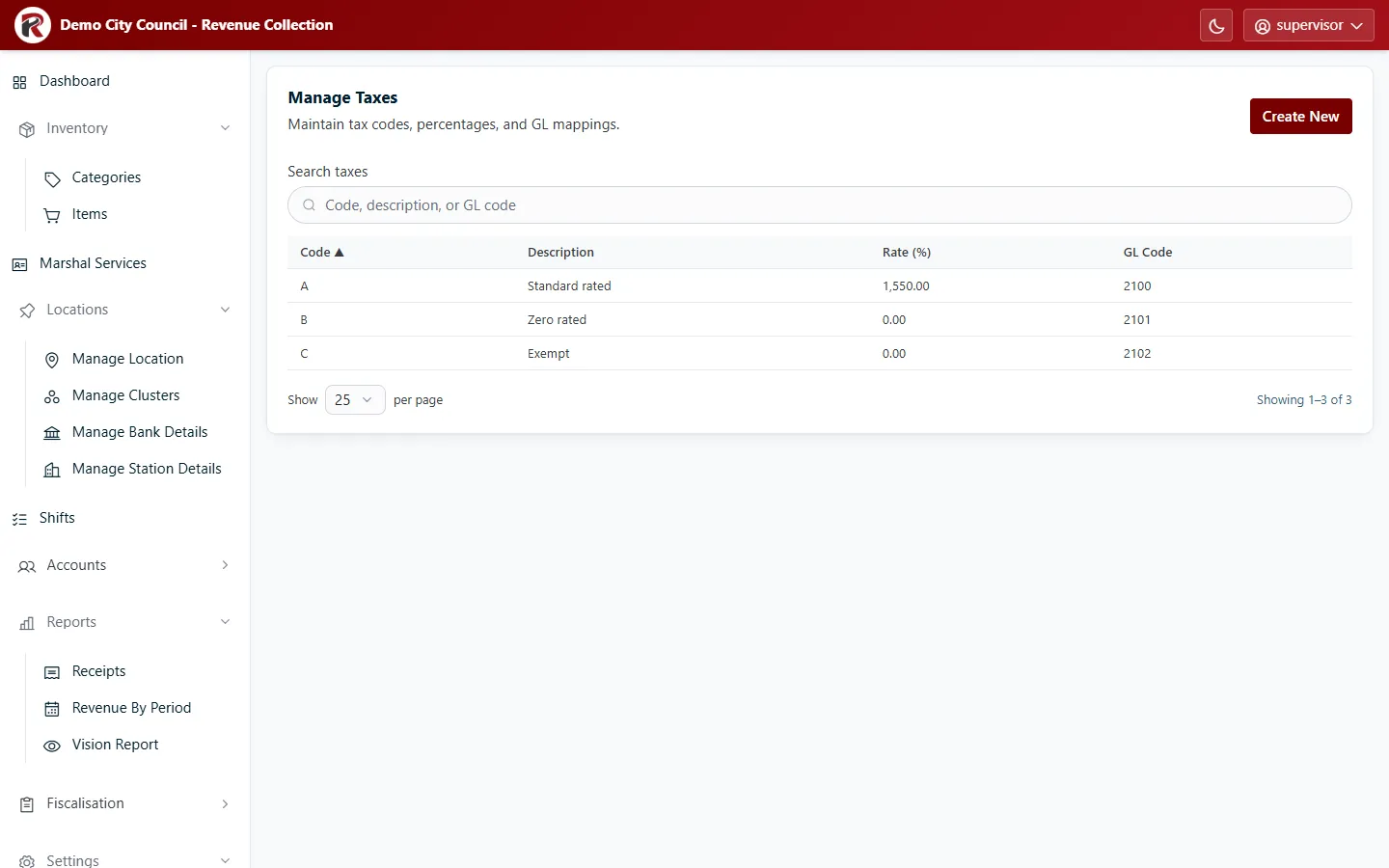
- Create New: enter the Code, a Description, the Rate as a percentage (for example
15.5for 15.5%) and the GL Code. - Select a row, then Edit to change it. Delete (under ⋯) removes it after you confirm.
RevColl user manual · build 19463 · Axis Solutions · Back to RevColl