
Sites
- Supervisor
- Administrator
A site is a place where marshals collect, such as a precinct, market or rank. You choose a site when you create a shift. The menu calls this screen Manage Location.
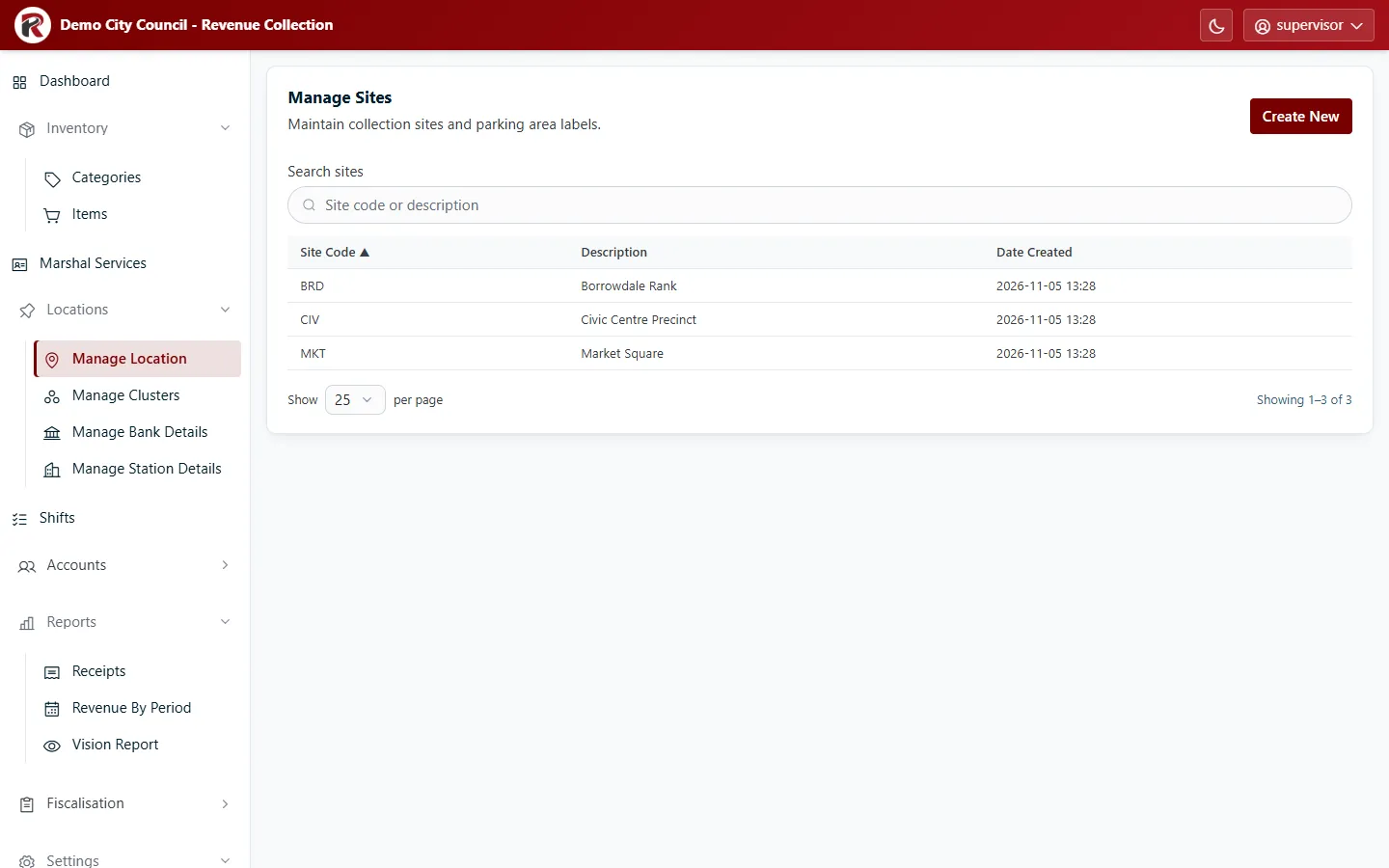
Add, change or remove a site
Section titled “Add, change or remove a site”- Create New adds a site: a short Site Code and a Description.
- Select a row, then Edit to change it. Delete (under ⋯) removes it after you confirm.
How locations fit together
Section titled “How locations fit together”Councils that use clusters and stations organise places like this:
| Level | Screen | Example |
|---|---|---|
| Cluster | Clusters | Central Business District |
| Station | Stations | Civic Centre (station CBD001) |
| Site | Sites | Civic Centre Precinct |
Each station belongs to one cluster and is linked to a site. Each marshal belongs to a cluster (set on their user profile). Bank details are kept per cluster.
RevColl user manual · build 19463 · Axis Solutions · Back to RevColl