
Clusters
- Supervisor
- Administrator
A cluster is a region, for example “Central Business District”. Stations, marshals and bank details each belong to a cluster, and reports can be filtered by it. This screen appears only when your council uses clusters (an administrator turns it on in System Settings).
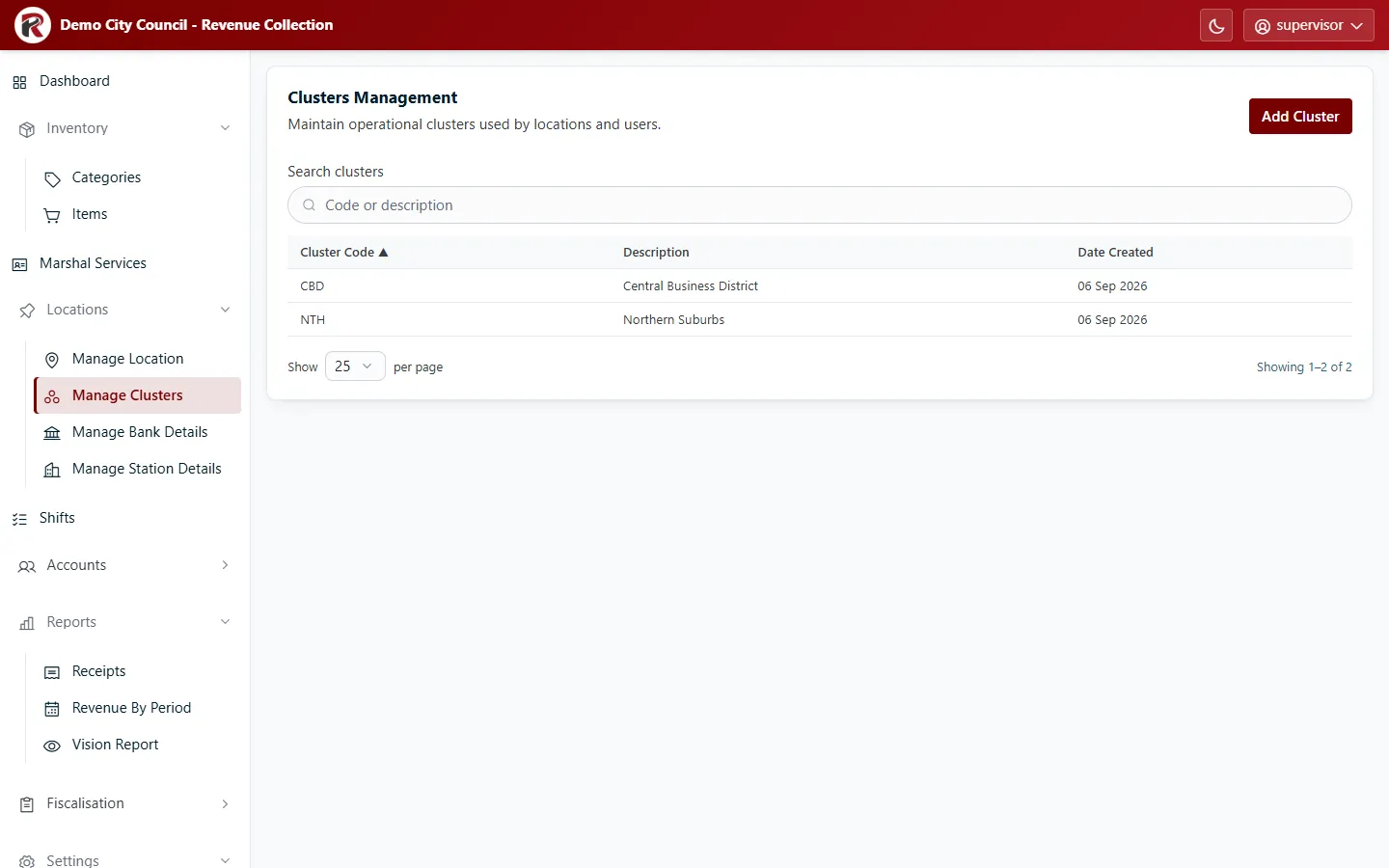
Add or change a cluster
Section titled “Add or change a cluster”- Add Cluster: enter a short Cluster Code (for example
CBD) and a Description. The code can’t be changed later. - Select a row, then Edit to change the description.
- View Receipts lists every receipt issued in that cluster.
- Delete (under ⋯) removes a cluster after you confirm. Move its stations and marshals to another cluster first.
Exchange rates per cluster
Section titled “Exchange rates per cluster”With it on, a cluster can have its own exchange rates. A marshal’s handheld uses the rates of the cluster on the marshal’s user profile; any currency without a cluster rate uses the global rate.
- Select a cluster, then Exchange Rates at the bottom of the drawer.
- Enter a rate for each currency that should differ, and select Save. To go back to the global rate, clear the box or select Use global.
- Handhelds pick up the new rate the next time they sync (at sign-in, on the background sync, or a manual sync). A handheld that stays offline keeps its old rate until it syncs. Receipts already issued keep the rate they were issued at.
The page helps you catch mistakes:
- Global moved X → Y: review means the global rate has changed since this cluster rate was set. Update the rate, or select Save on the unchanged value to confirm it is still right.
- A rate more than 25% away from the global rate needs a second click, Save anyway, so a slip such as 300 for 30 isn’t saved by accident.
- The page shows how many marshals are in the cluster, and lists active marshals with no valid cluster: they get global rates until an administrator fixes their profile in Users.
- History lists the last 50 changes, with who made each one.
RevColl user manual · build 19463 · Axis Solutions · Back to RevColl