
System settings
- Administrator
System Settings turns optional RevColl features on or off for your whole council. Changes take effect straight away for everyone.
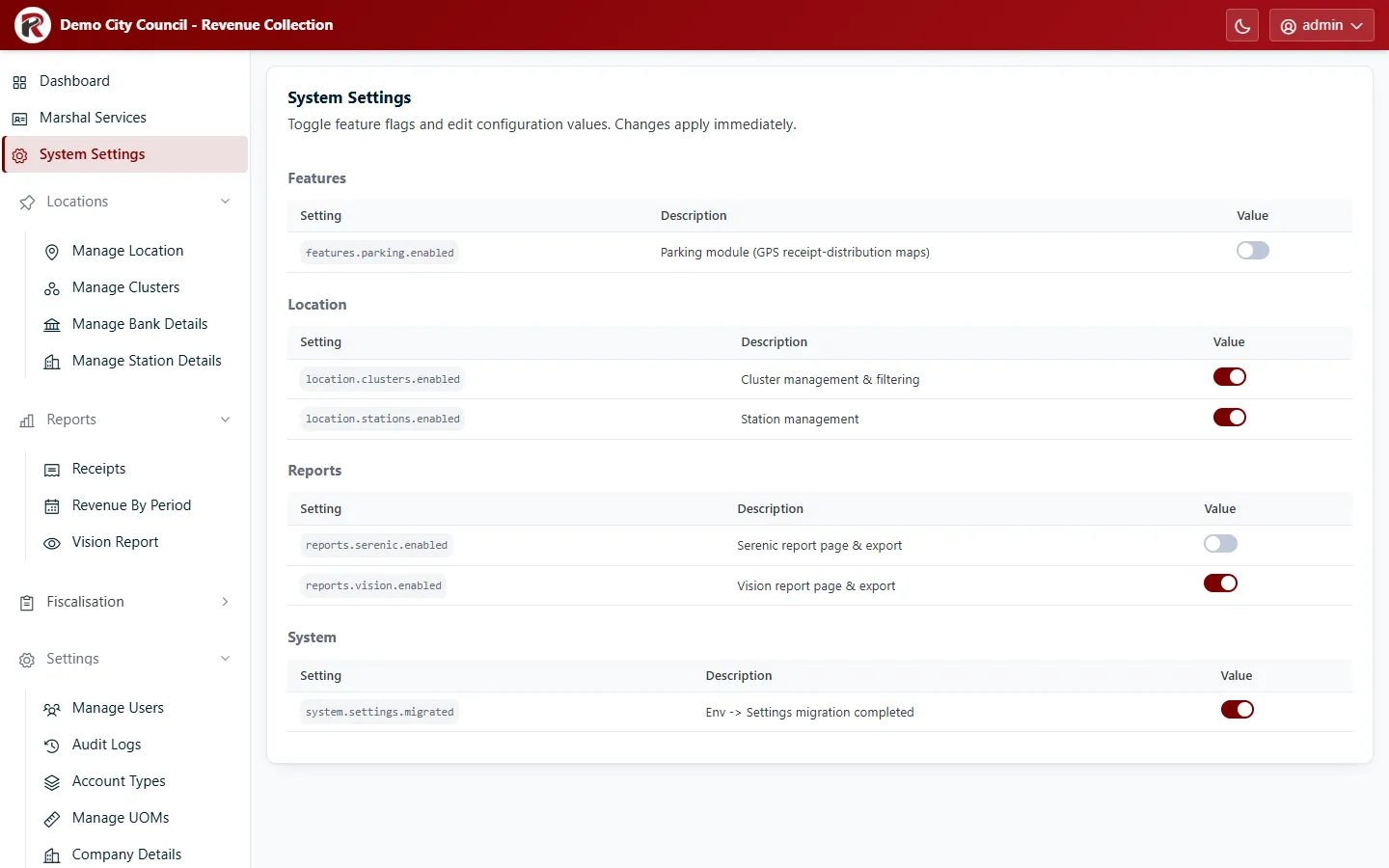
Each setting has a name (for example location.clusters.enabled), a description and a switch. Flip the switch to change it.
Common settings
Section titled “Common settings”| Setting | When on |
|---|---|
location.clusters.enabled |
Clusters are used: Manage Clusters appears, and users and reports have a cluster. |
currency.rates.per_cluster |
Clusters can have their own exchange rates (Exchange rates per cluster). Shown only once location.clusters.enabled is on. |
location.stations.enabled |
Stations are used for collection points. |
reports.vision.enabled |
Vision Report appears under Reports. |
reports.serenic.enabled |
Serenic Report appears under Reports. |
features.parking.enabled |
Parking maps (Receipt Distribution) appear for supervisors. |
system.settings.migrated is internal bookkeeping; leave it as it is.
RevColl user manual · build 19463 · Axis Solutions · Back to RevColl