
Currencies
- Supervisor
- Administrator
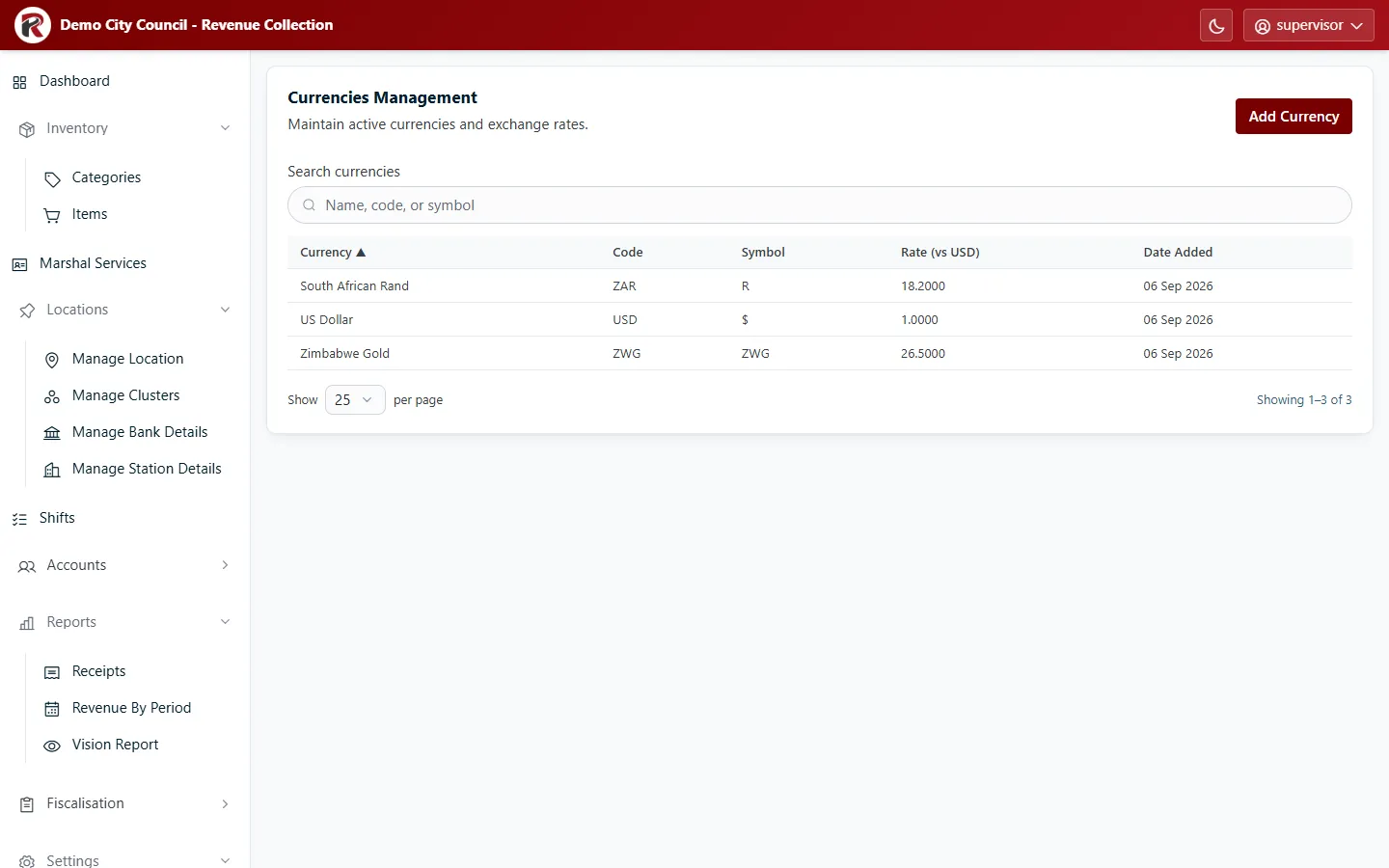
Currencies lists the currencies marshals can accept and each one’s rate against the US dollar: how many units of that currency make one dollar. The US dollar is the base currency, at a rate of 1.
Update an exchange rate
Section titled “Update an exchange rate”Select the currency, then Edit, change Rate (vs USD) and save. Handhelds use the new rate after their next sync. Receipts already issued keep the rate they were taken at.
Rate history
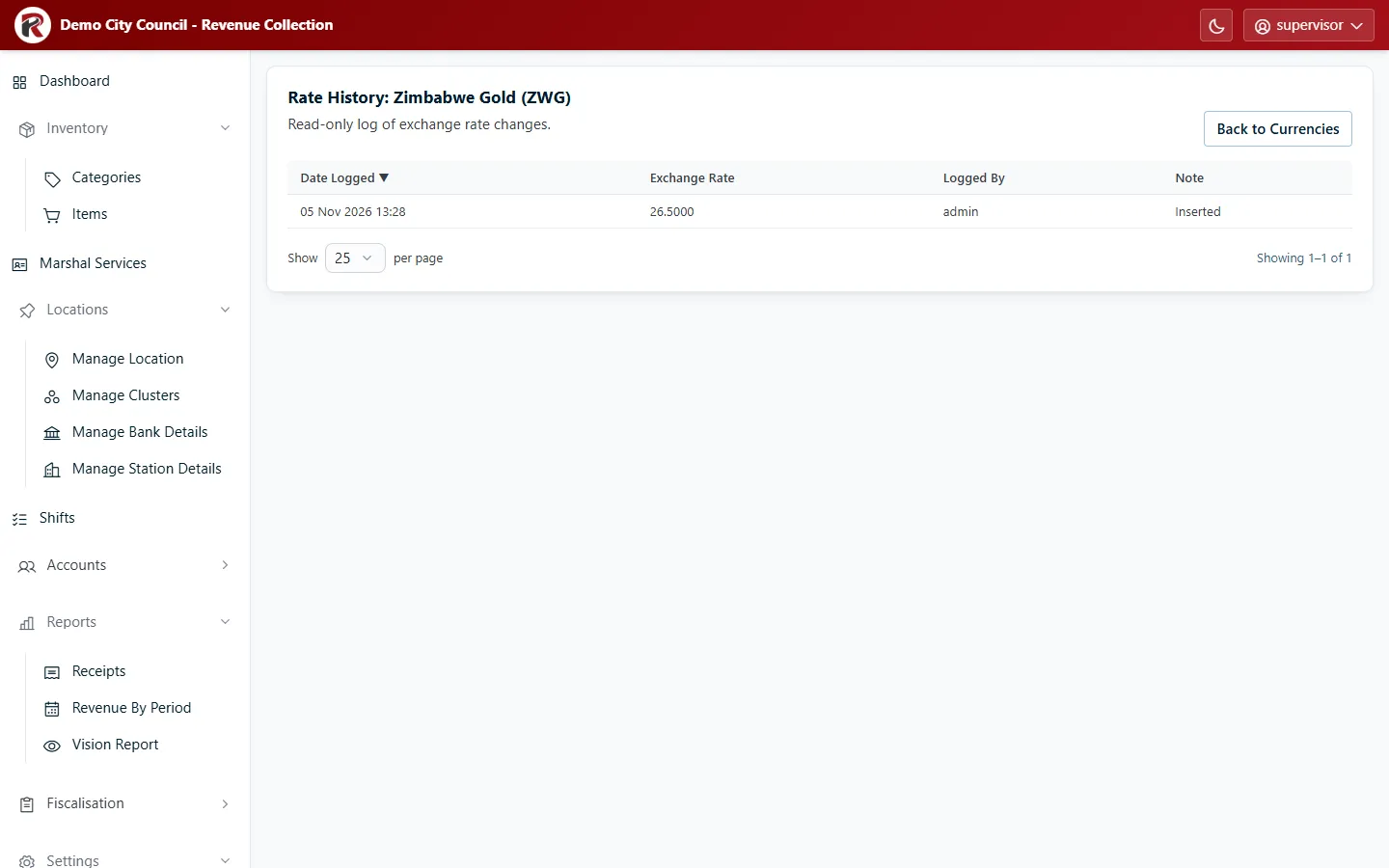
Section titled “Rate history”History (in the currency’s drawer) lists every rate the currency has had, with when it changed and who changed it. The Serenic report uses this history to convert receipts at the rate of their day.
Add or retire a currency
Section titled “Add or retire a currency”- Add Currency: enter the name, a three-letter Code (for example
ZAR), the Symbol and the Rate (vs USD). - Deactivate (under ⋯) stops a currency being offered. Its past receipts are unchanged.
RevColl user manual · build 19463 · Axis Solutions · Back to RevColl