
Accounts
- Supervisor
Accounts are named customers, such as businesses, residents or government bodies, that marshals can issue receipts against. Each account has an account type, which sets its discount and GL code.
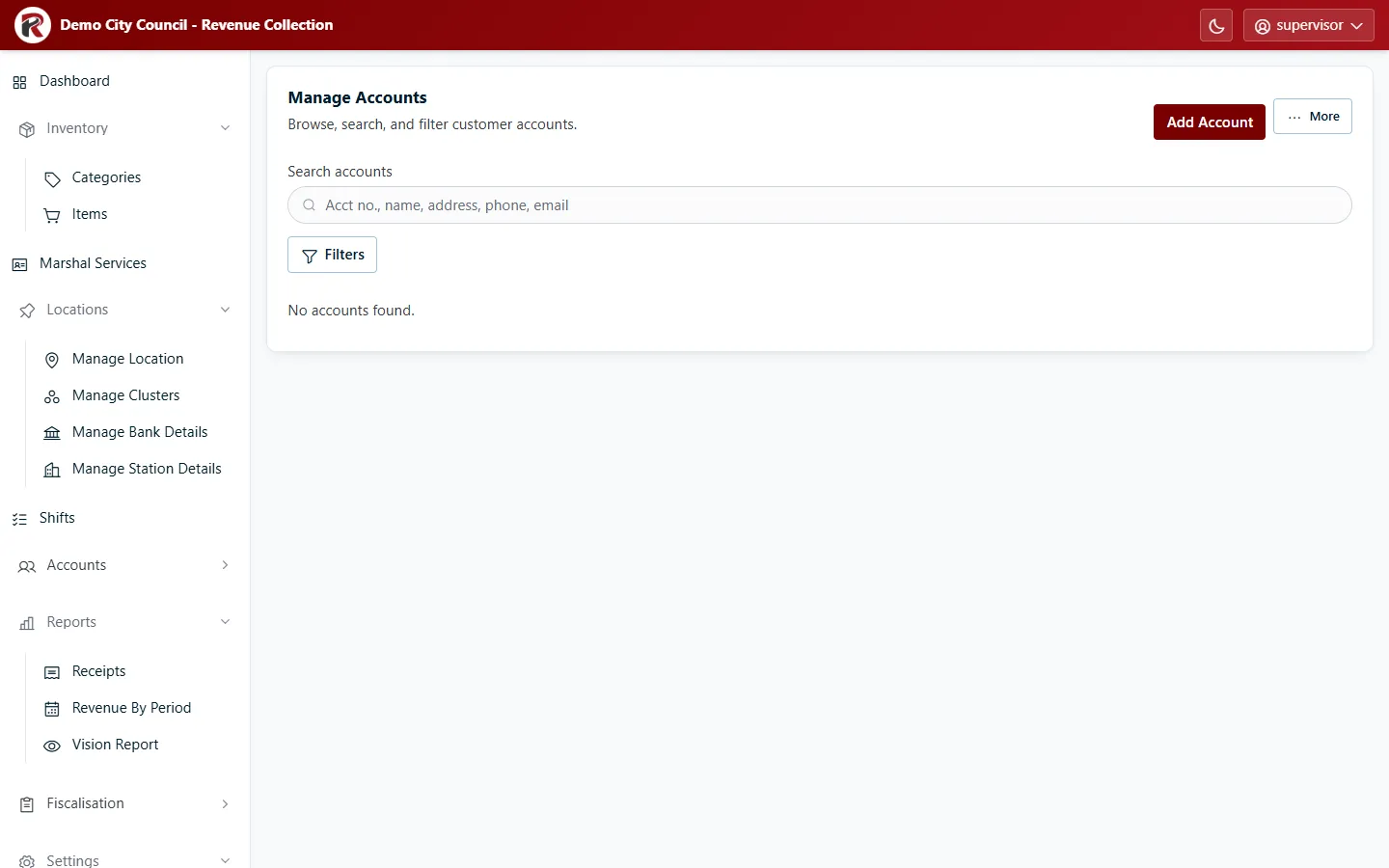
Add an account
Section titled “Add an account”Select Add Account and fill in the account number, name, contact details and Account Type.
Find and change an account
Section titled “Find and change an account”- Search by account number or name. Filters narrows by account type.
- Select a row to see the account’s details and balance. Edit changes it; Delete (under ⋯) removes it after you confirm.
- More exports the list as CSV, Excel or PDF.
RevColl user manual · build 19463 · Axis Solutions · Back to RevColl