
Categories
- Supervisor
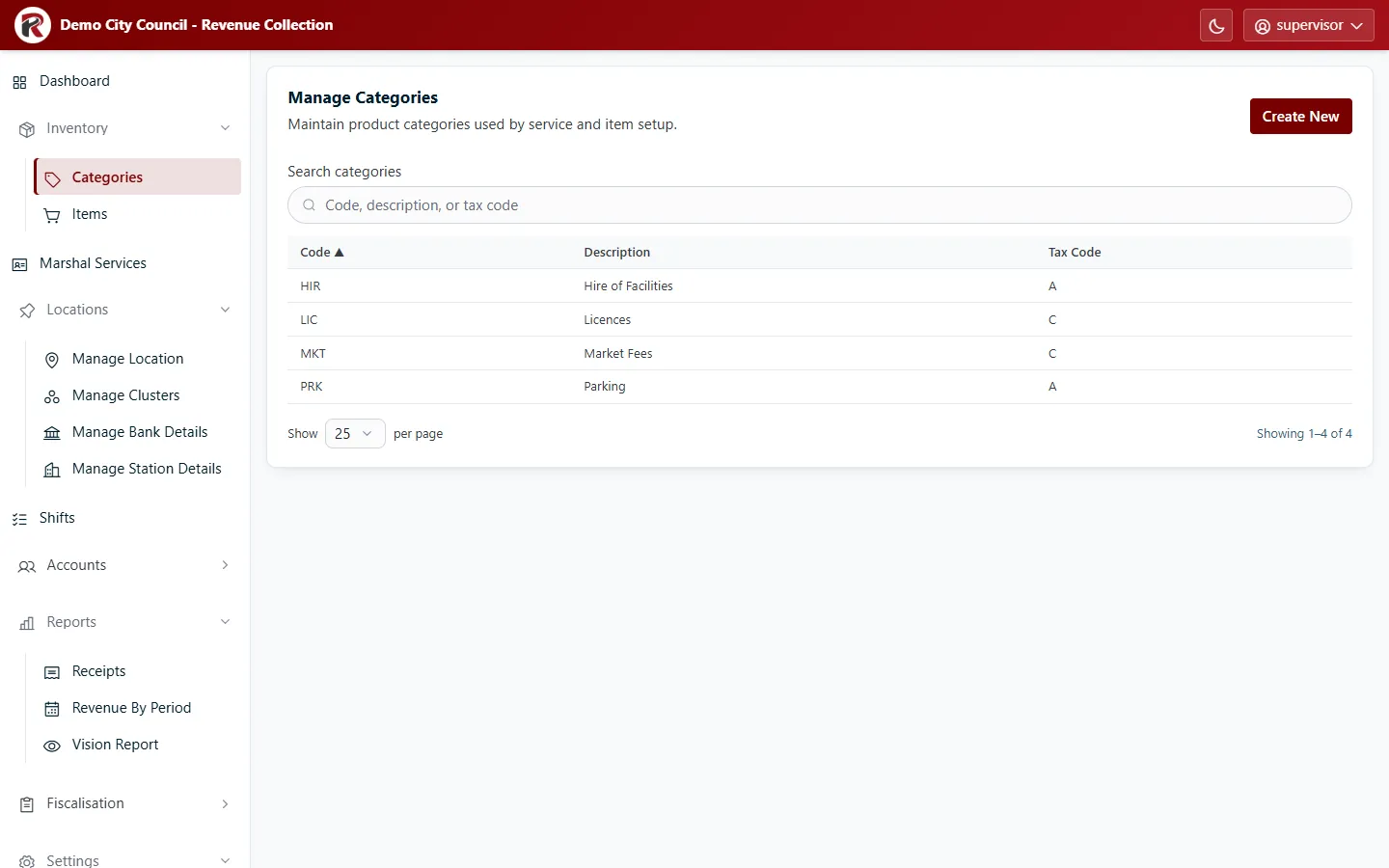
Categories group the items marshals sell, for example Parking, Market Fees or Licences. Each category has a Tax Code from Tax settings.
Add a category
Section titled “Add a category”Select Create New, then enter a short Code (for example PRK), a Description and the Tax Code. Codes are what reports and exports show, so keep them short and stable.
Change or remove a category
Section titled “Change or remove a category”Select a row, then Edit. Delete (under ⋯) removes it after you confirm. Move its items to another category first.
RevColl user manual · build 19463 · Axis Solutions · Back to RevColl