
Shifts
- Supervisor
A shift is one marshal’s collection session: who collected, where, when it started and ended, and what was collected. Marshals start and close shifts on their handheld. You create them in advance here and follow them while they run.
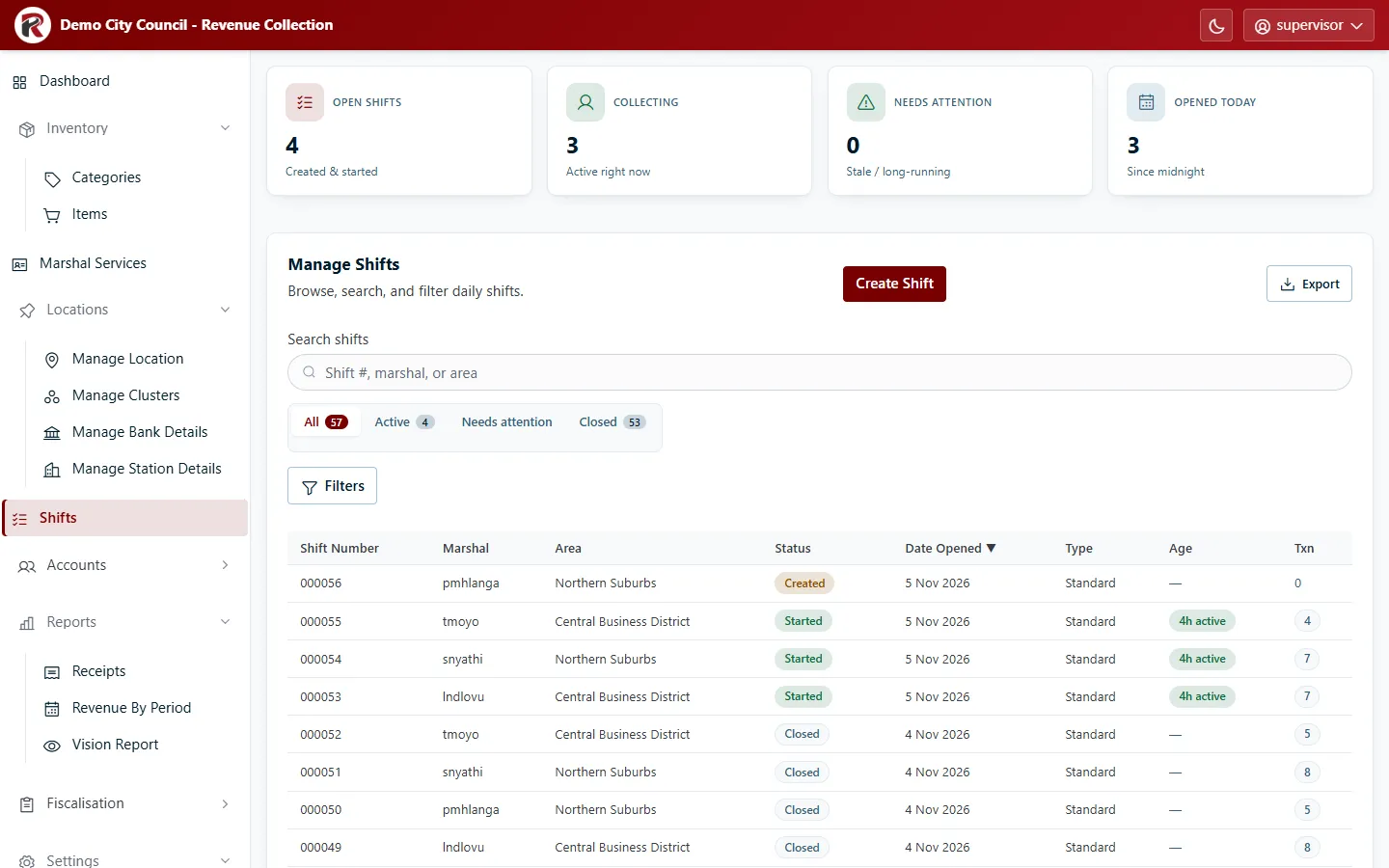
Shift statuses
Section titled “Shift statuses”| Status | Meaning |
|---|---|
| Created | Assigned to a marshal, who hasn’t started it yet. |
| Started | The marshal is collecting. |
| Closed | The marshal has ended it. Its totals are final. |
| Cancelled | Withdrawn before or during collection, with a reason. |
The tabs above the table filter by status: All, Active, Needs attention and Closed. The counts at the top summarise the same thing.
Needs attention lists shifts that were probably forgotten:
- Created more than 24 hours ago and still not started;
- Started more than 7 days ago and still not closed.
Create a shift
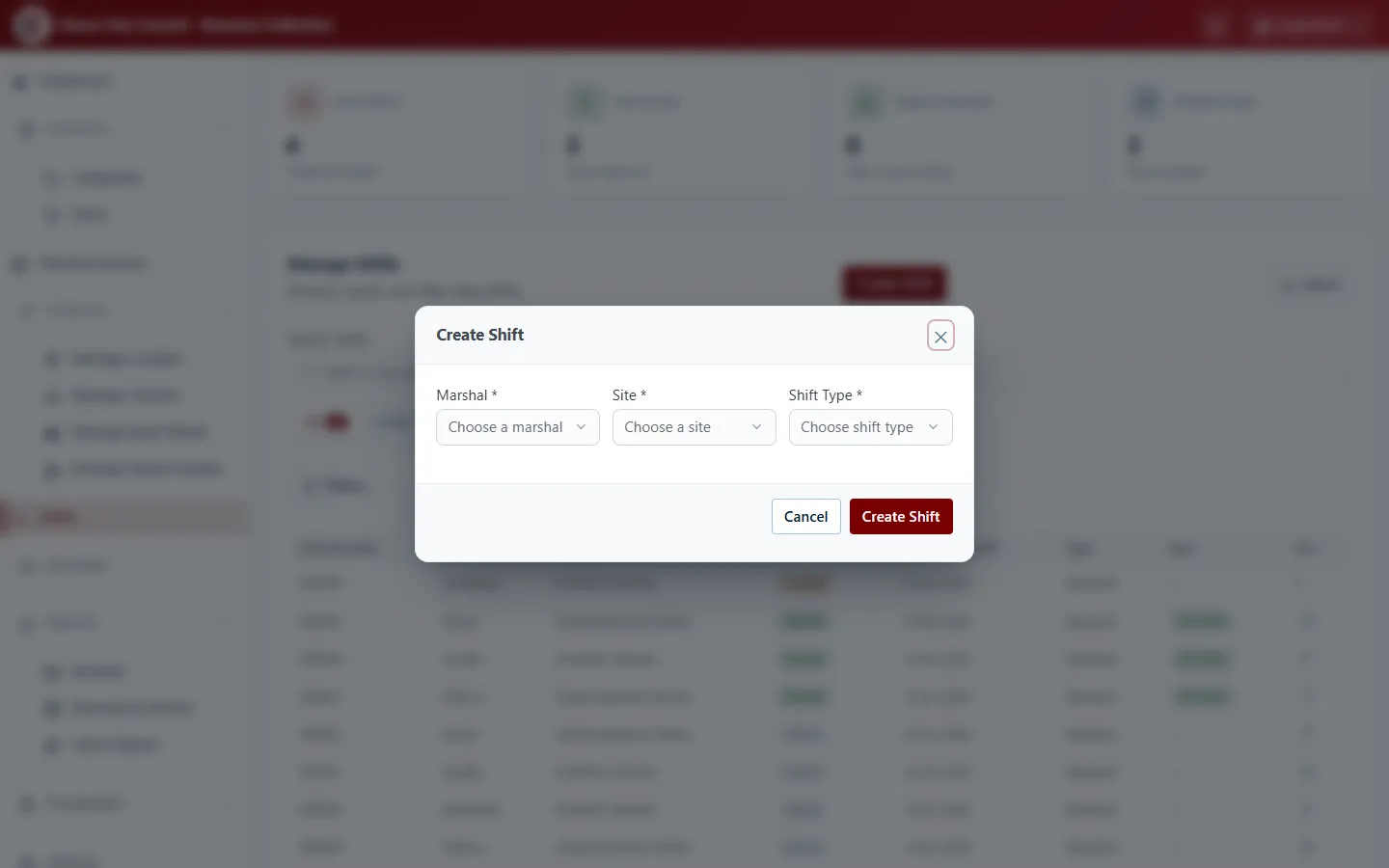
Section titled “Create a shift”- Select Create Shift.
- Choose the Marshal, the Site they’ll work, and the Shift Type.
- Select Create Shift. It appears as Created until the marshal starts it on the handheld.
Look at a shift
Section titled “Look at a shift”Select a row to open its drawer: marshal, area, type, when it opened and closed, how long it has run, and its transactions.
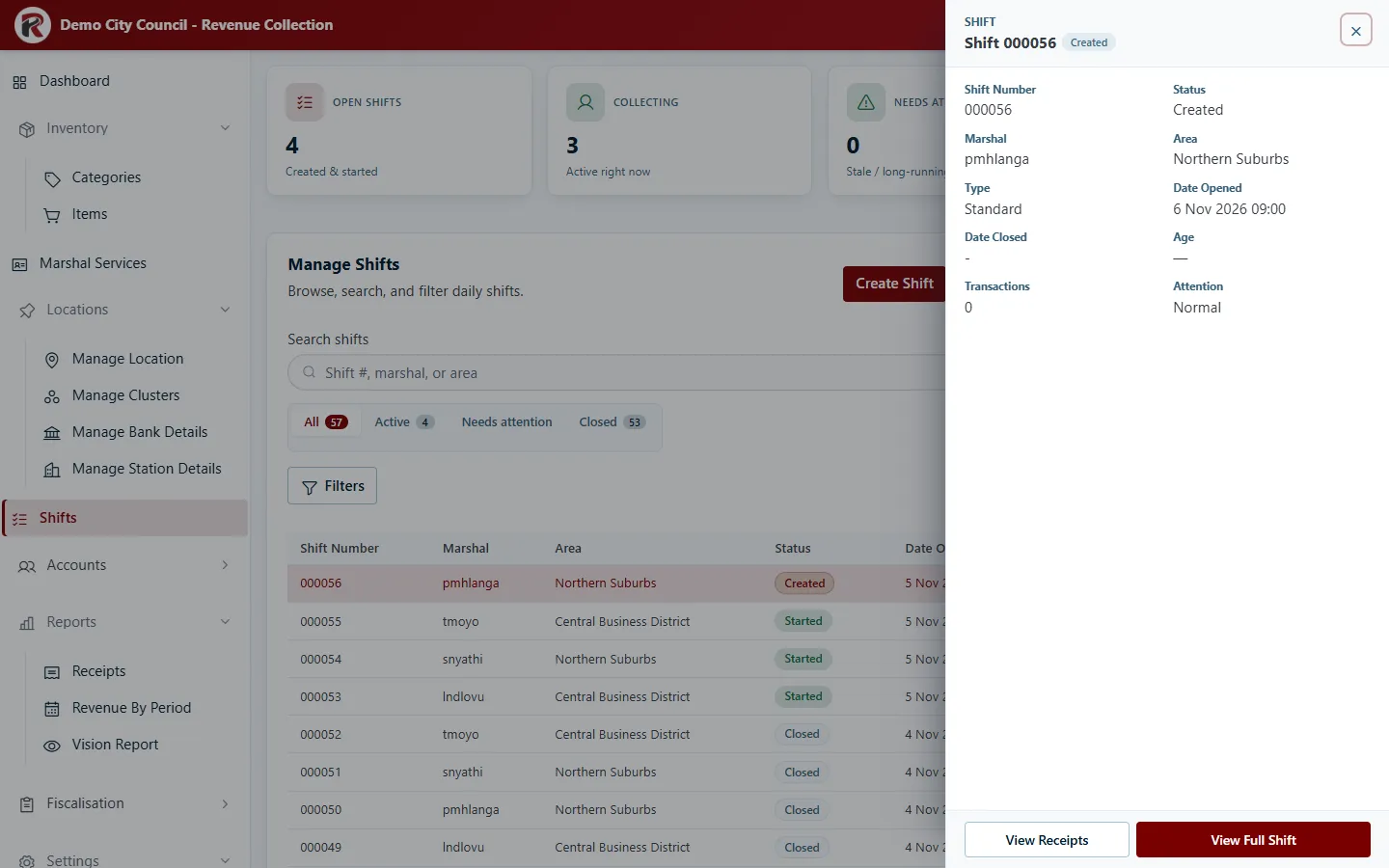
View Receipts lists that shift’s receipts. View Full Shift opens Shift Details: total receipts, total sales against the daily target, and every receipt issued in the shift.
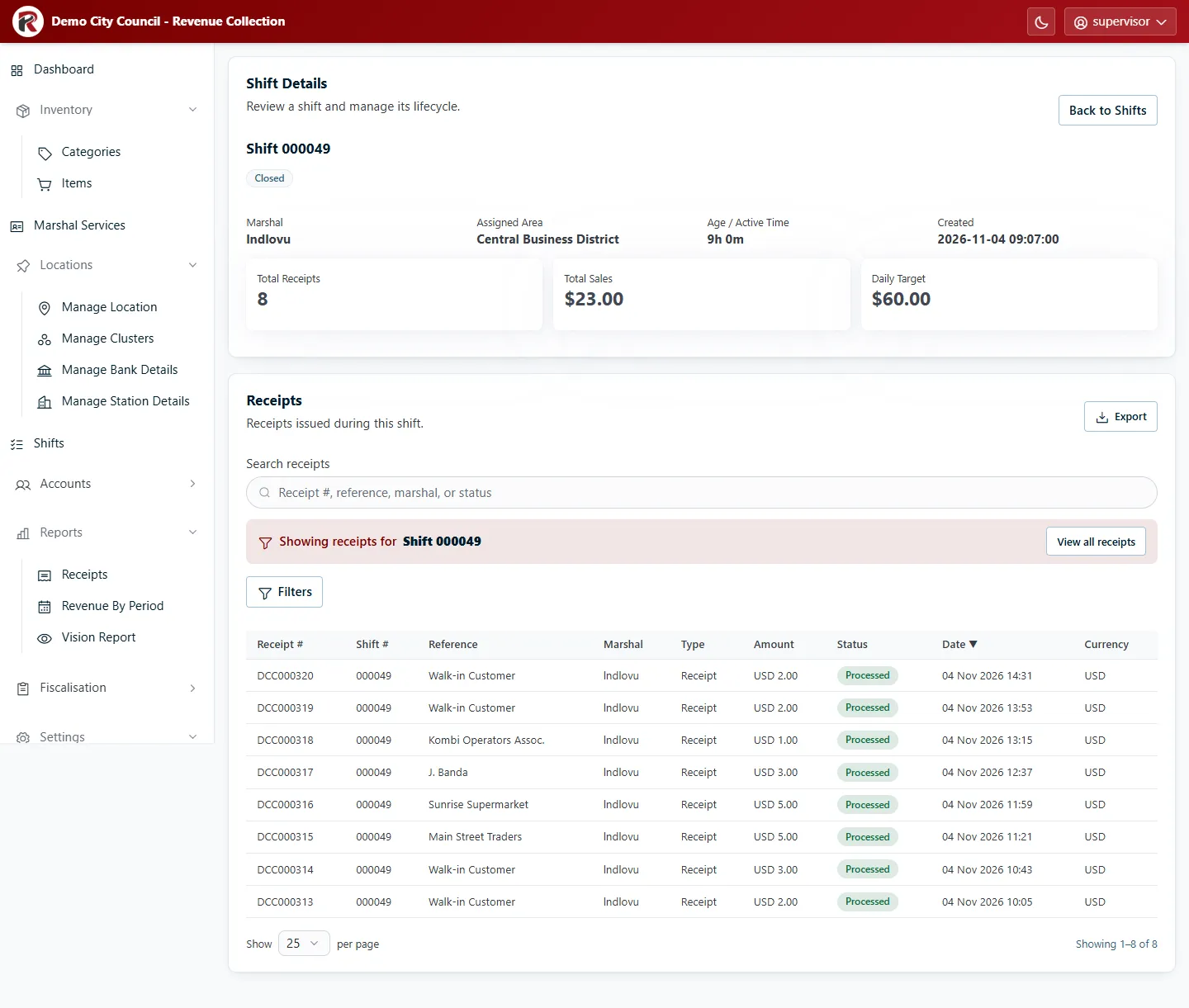
The receipts list on Shift Details works like Receipts: search, filter, open a receipt, or Export them. View all receipts leaves the shift and shows every receipt.
Cancel a shift
Section titled “Cancel a shift”Open the shift’s Shift Details, type a reason under Cancel shift — reason, and select Confirm Cancellation.
- A Created shift can always be cancelled.
- A Started shift can only be cancelled once it has been running for more than 7 days, unless you have the Manage Advanced Shifts permission (see Roles and access).
Cancelling doesn’t delete anything. The shift stays in the list as Cancelled, with the reason and who cancelled it. Users with Manage Advanced Shifts (and administrators) can also reopen a closed or cancelled shift from Shift Details.
RevColl user manual · build 19463 · Axis Solutions · Back to RevColl