
Stations
- Supervisor
- Administrator
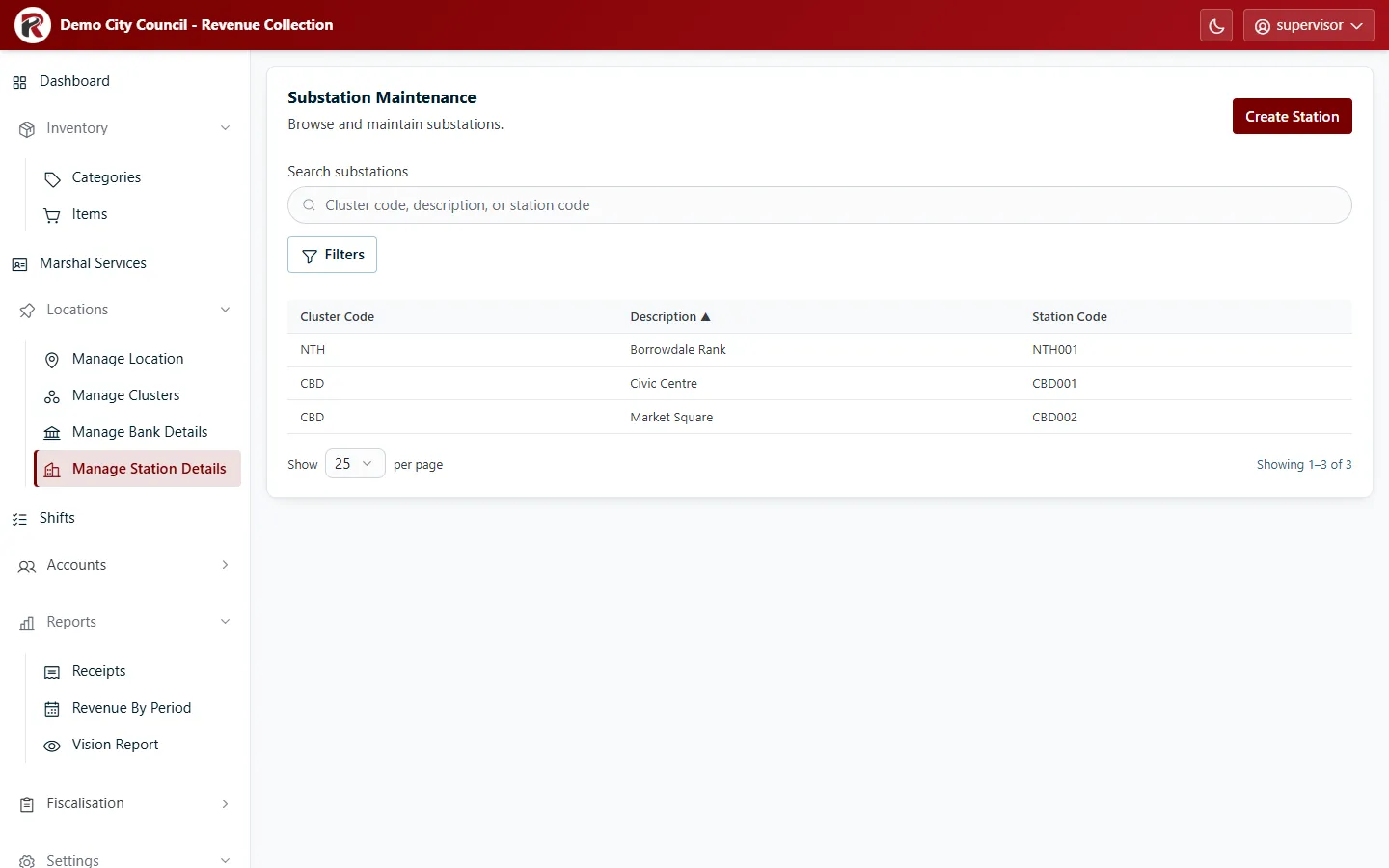
A station is a collection point within a cluster, for example “Civic Centre” in the Central Business District. Each item is linked to a station, which is how reports such as the Vision Report know where revenue was earned. The menu calls this screen Manage Station Details; the screen itself says Substation Maintenance.
Add or change a station
Section titled “Add or change a station”- Create Station: choose its Cluster, then enter a Description and a Station Code. By convention the code starts with the cluster code (for example
CBD001), but that isn’t required. - Select a row, then Edit to change it.
- View Receipts lists every receipt issued at that station.
- Delete (under ⋯) removes it after you confirm.
- Filters narrows the list by cluster.
RevColl user manual · build 19463 · Axis Solutions · Back to RevColl